

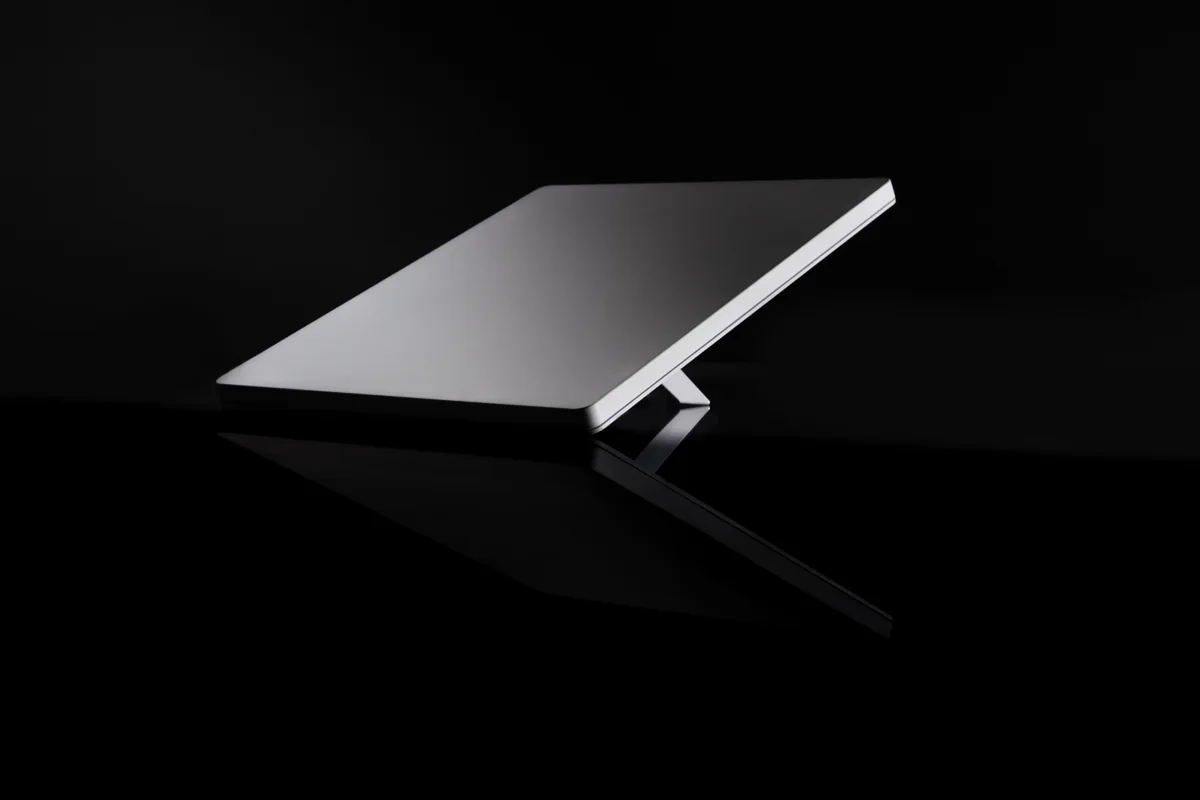
Mini
Compact requirements and portable work.
Talk to a Solutions Expert
Primary internet. A second path.
A network built around the work.
Designed around
your operation.
Earth photographs: NASA/Jessica Meir and NASA, International Space Station. Satellite and rooftop: renders. Constellation positions: public CelesTrak orbital data, approximate.
Start with the applications. Plan the site, equipment and responsibilities together.
See how a complete site quote comes togetherNetcom plans, installs and connects Starlink for business sites across the United States, with Verizon 5G backup and Netcom Edge visibility where your sites need them.
Netcom is an authorized Starlink reseller. Netcom sells Starlink business service and hardware, and supports it after the install.
What an install covers, line by line.
Your written quote confirms each one.
| Netcom | Starlink | Your team | |
|---|---|---|---|
| Site survey | Mounting, cable path, power and roof access | Site access and goals | |
| Service plan | Matched to your data use, priced separately | The satellite service | Approves the quote |
| Terminal and router | Selects and configures | Makes the terminal | |
| Installation | Mounts, cables and connects | Roof access and penetration approval | |
| 5G backup | Designs the changeover with Verizon 5G | Shares key applications, users and data needs | |
| Test and handoff | Checks the path and hands over the record | Signs off the handoff | |
| Terminal visibility | Netcom Edge: status and usage | Portal access | |
| Monitoring | Checks connected terminals every minute, 24/7; outage alerts follow your rules | Picks who gets the alerts | |
| Portal help | NiA answers fleet questions in plain language | Asks in plain language | |
| API | Netcom Edge API for your own tools | Admins control the API tokens | |
| Support | First contact for the site and the network | The satellite network, via Netcom | Reports issues to Netcom |
| Billing | Set per project: Netcom invoices you, or eligible charges go through your Verizon account |
Both run on the same Starlink network.
The difference is who plans, installs and answers for the site.
| Buy direct from Starlink | Through Netcom | |
|---|---|---|
| Ordering | Online at starlink.com | Customized quote for service, networking, hardware, and project work |
| Site check | You check the sky view in the Starlink app | A site survey: mounting, cable path, power and access |
| Installation | You install the kit, or hire an installer | Netcom field services install and test it |
| Network | The Starlink router, or your own | Router, security and Verizon 5G backup, designed together |
| Many sites | Each kit ordered and managed in your Starlink account | One rollout plan, with Netcom Edge across your terminals |
| Monitoring | Starlink app and account dashboard; eligible accounts also get email alerts and a telemetry API | Netcom Edge: 24/7 checks and outage alerts, answers from NiA, and an API |
| Help | Starlink support for the service | Netcom first; Netcom takes satellite issues to Starlink |
Starlink's own plans, terms and hardware apply either way. Check current Starlink service terms

For suitable sites, Starlink can be a primary connection, another path or an interim service.
The right role depends on your address, clear sky view, applications, data needs and operating requirements.
Talk to a Solutions ExpertWork through capacity, installation and the local network.
Design a second path and agree how traffic changes over.
Scope equipment, site readiness and operating ownership across locations.
Terminal, router, mounting and power.
A complete site deserves a complete design.
Compact requirements and portable work.
Talk to a Solutions Expert
Fixed sites and everyday business needs.
Talk to a Solutions Expert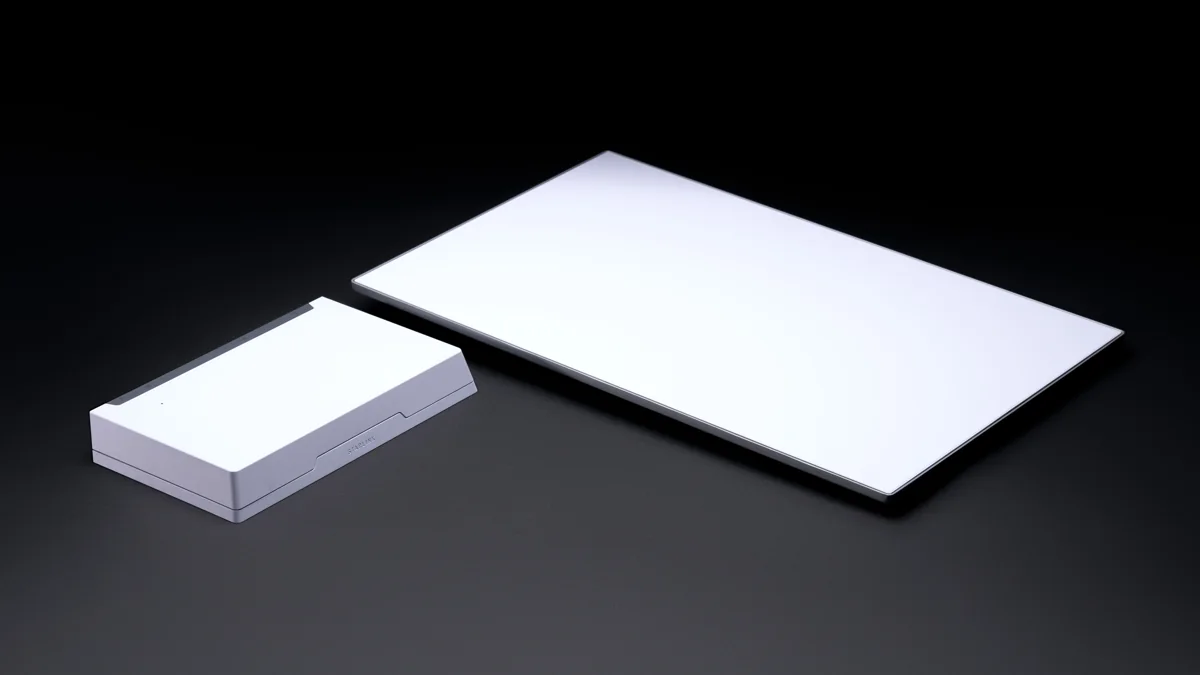
Exposed locations and demanding environments.
Talk to a Solutions ExpertPlan satellite, cellular and wired service together.
Explore Starlink + 5GNetcom Edge puts terminal status and usage in view.
Explore the portal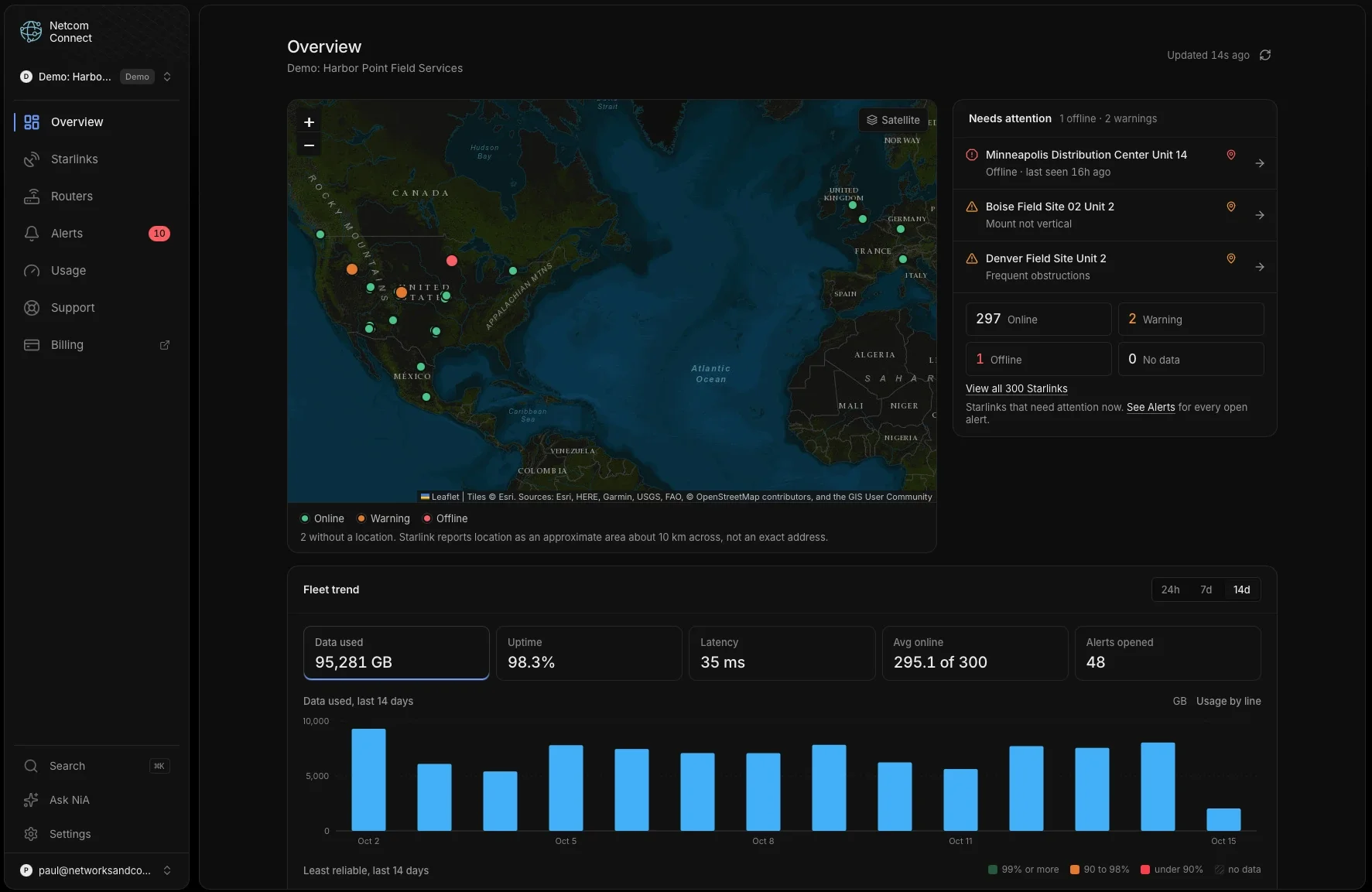
Explore the Starlink film.
Playback starts when you choose.
Bring Netcom into the technical conversation.
The Verizon partner pathYes, at many sites. It needs a clear view of the sky and a plan that fits how much data you use. Netcom checks both before you commit, and can add Verizon 5G or a wired line as a second path.
The work Starlink leaves to you: a site survey, professional installation, the router and 5G backup, Netcom Edge visibility for your terminals, and one written quote that says who owns each task.
Not automatically. Your written quote lists the equipment, the installation work, the support hours and who handles escalation, so you know what is included before you sign.